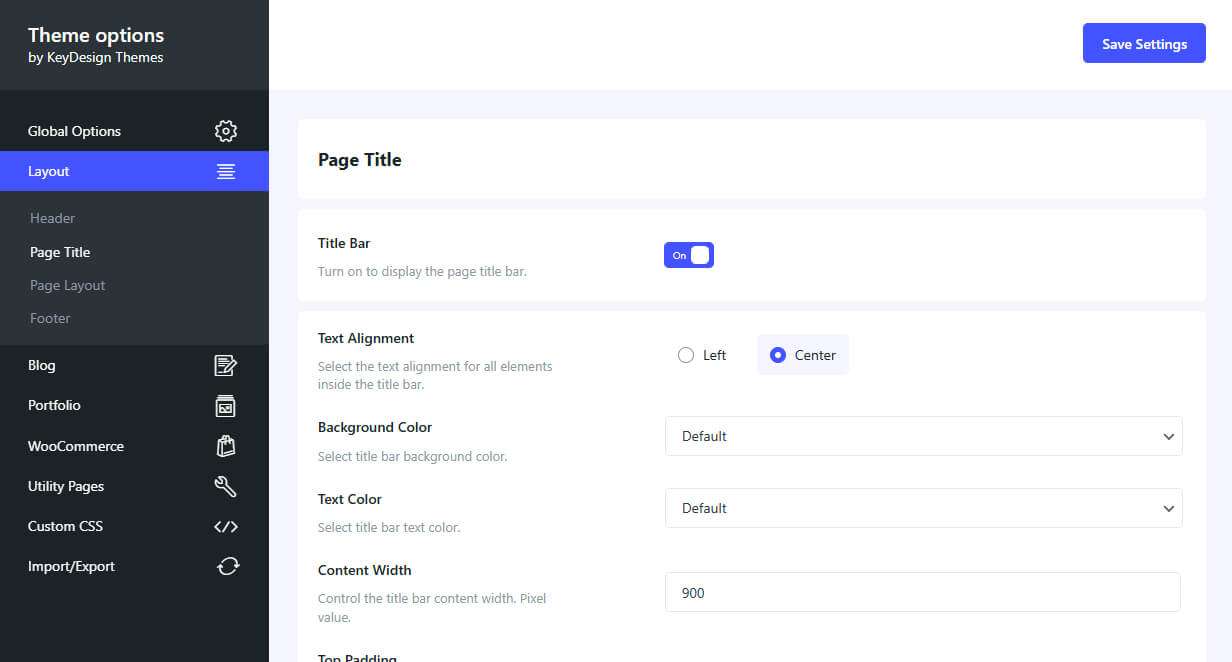
1. Hide page title on a single page
Follow these steps:
- Open a page in the Elementor Editor.

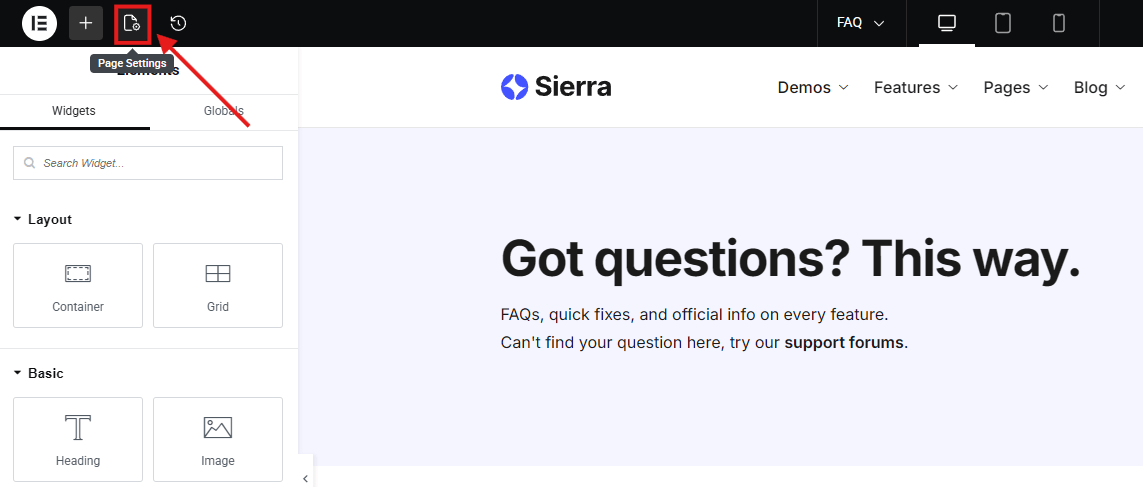
- In the top tool bar, click the Page Settings icon.
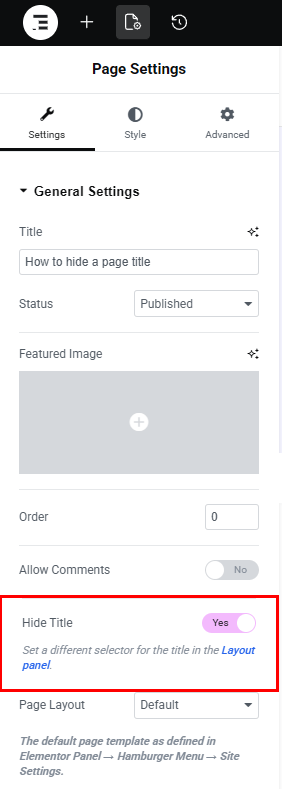
The page settings panel appears on the left. - Toggle Hide Title to Yes.
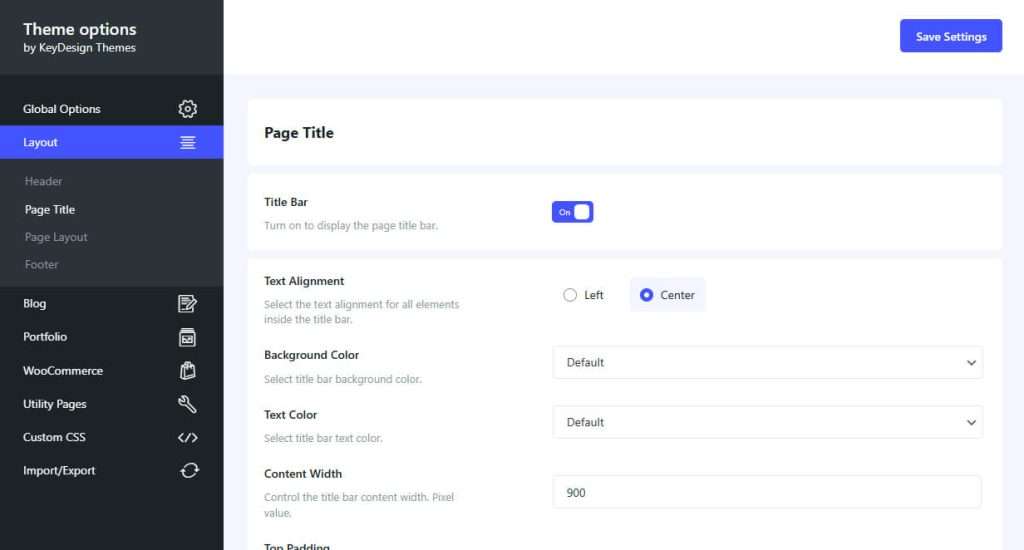
2. Hide page title bar on the entire site
Was this article helpful?
What went wrong?